
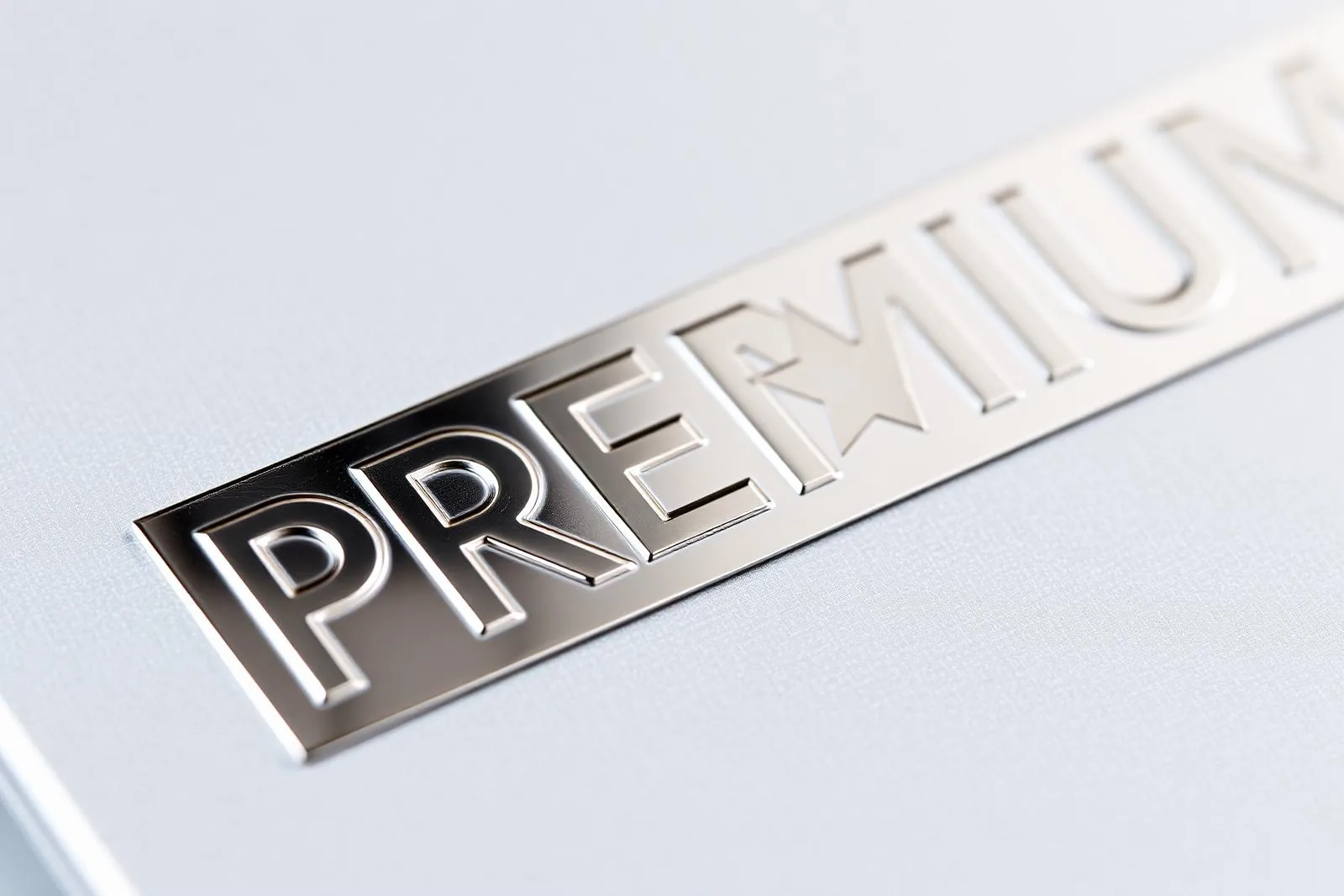
Learn to troubleshoot common cold foil defects like pinholes and tunneling with this guide, improving print quality and cold foil application.
Table of Contents
Cold foil stamping should run at 200+ m/min with foil waste under 12%. When it doesn't, the failure is almost always one of six defects with predictable root causes. This guide walks through each defect with a press-side diagnostic flow you can hand to a minder.
If you are still selecting an adhesive, start with our UV flexo vs UV offset adhesive selection guide. For end-to-end process context, see the cold foiling step-by-step workflow.
1. Pinholes in solid areas
Symptom: Tiny unfoiled dots scattered through a solid metallic block.
- Adhesive coat weight too low — raise BCM from 4.0 to 4.5 or switch to a 5.0 BCM anilox.
- Anilox cells plugged — re-clean with an alkaline anilox cleaner; if pinholes persist, deep-clean ultrasonically.
- Substrate porosity too high — primer with a UV gloss varnish before the foiling station, or move to a closed-surface stock like gloss white self-adhesive label paper.
- UV dose too low — increase lamp power to 110–120 mJ/cm² and verify with a radiometer.
2. Tunneling on fine type
Symptom: Foil bridges across the inside of letters like "o", "e", "a" and fails to release.
- Adhesive viscosity too high — confirm against the spec sheet for the UV flexo cold foil adhesive (250–450 mPa·s at 25°C).
- Plate relief too shallow — minimum 0.6 mm relief for ≤6 pt type.
- Press temperature below 22°C — adhesive thickens; warm the deck or pre-condition the adhesive.
- Nip pressure too low at the foiling roller — increase from 1.5 to 2.5 bar.
3. Foil lift after rewinding
Symptom: Foil looks perfect at the foiling tower but flakes off after 30 minutes in the rewind.
- UV cure incomplete — adhesive is sticky on the underside. Raise UV dose 20%, check lamp age (replace at 1000 h).
- Adhesive compatibility — if foiling a holographic pattern, switch to the higher-tack chemistry that ships with our holographic rainbow foil system.
- Substrate surface energy below 38 dyne — corona-treat in-line.
4. Misregister between foil and overprint
Symptom: Subsequent color stations land ±0.3 mm off the foiled image.
- Web tension shift across the foiling tower — typical tension setpoint is 3.5–4.5 N/cm for paper, 1.5–2.0 N/cm for BOPP.
- Foil PET stretch — reduce unwind tension on the foil roll; PET begins to stretch above 18 N for a 200 mm web.
- Sleeve or plate cylinder cocked — verify with register marks every shift.
5. Edge breakup ("zipper" effect)
Symptom: Foil edges are ragged or look like a row of zipper teeth.
- Foiling nip roller worn or grooved — inspect the silicone sleeve, replace if Shore A hardness has dropped more than 5 points from new.
- Foil release speed mismatch — peel angle should be 90° ±5°, peel speed within 2% of press speed.
- Plate edge wear — re-image after 1.5 million impressions.
6. Ghosting / repeat-pattern transfer
Symptom: A faint image of a previous image repeats downweb every roller circumference.
- Adhesive transferring back to anilox — switch to UV offset cold foil adhesive if running offset, or lower flexo tack 10%.
- UV lamp shadowing — clean the quartz tube; dust drops dose 15%.
7. Press-side defect quick table
| Defect | First check | Second check | Third check |
|---|---|---|---|
| Pinholes | Anilox cleanliness | BCM/coat weight | Substrate porosity |
| Tunneling | Adhesive viscosity | Nip pressure | Plate relief |
| Foil lift | UV dose | Lamp age | Surface energy |
| Misregister | Web tension | Foil unwind tension | Cylinder alignment |
| Edge breakup | Nip roller wear | Peel angle | Plate wear |
| Ghosting | Adhesive transfer | Lamp cleanliness | Tack level |
Need an on-site audit? Send us a 30-second video of the defect and the press setup via the cold foil technical support form and we will respond within 24 hours with a recommended adjustment.
Frequently Asked Questions
Quick answers about cold stamping foil.
Companion Products
Specs and samples for the products discussed in this article.
Related Articles
View all
Technical Knowledge · May 25, 2026
Cold Foil Anilox Roller Selection: BCM & LPI Guide
Optimize cold foil stamping with our anilox roller selection guide. Learn BCM, LPI, and cell geometry to choose the right cold foil anilox roller for your needs.
Technical Knowledge · May 25, 2026
Cold Foil Adhesive: UV Flexo vs UV Offset Selection Guide
Compare UV flexo and UV offset cold foil adhesives. This guide helps you choose the right adhesive for optimal packaging printing results.
Technical Knowledge · Aug 25, 2026
Metallic Foil Explained: Types, Colour Charts and Real Costs (2026)
What metallic foil actually is in packaging and print, the foil families worth knowing, how colour charts and reference numbers work, and honest per-square-metre and per-impression cost ranges for 2026.
Ready to source foil stamping and die-cutting from one supplier?
From stamping foils to post-press machines and die-cutting consumables — get factory-direct pricing and free samples.